1. Introduction
In the modern digital economy, time is your most valuable asset. If you are still manually sending newsletters or tracking subscriber sign-ups via spreadsheets, you are missing out on the power of efficiency. Learning about tools to automate email marketing campaigns is the turning point for any marketer or small business owner ready to move from “busy work” to “scalable growth.” By leveraging the right technology, you can ensure that your audience receives the right message at the perfect time, without you having to lift a finger for every single interaction. Automation is only effective if you have a steady flow of new leads coming in; for that, you need to master proven lead generation strategies for small business.
2. What Are Tools to Automate Email Marketing Campaigns?
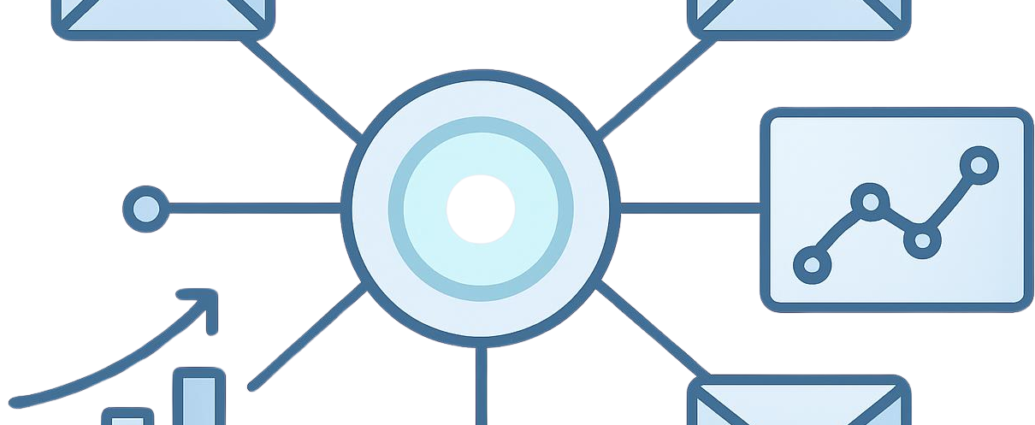
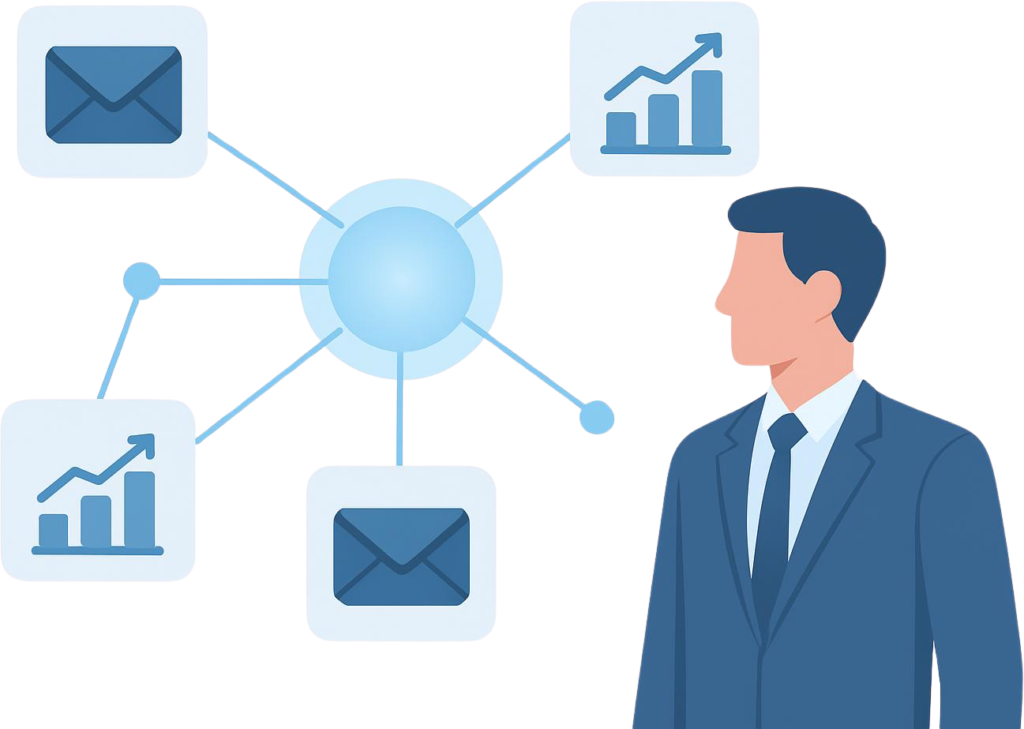
At its simplest, these tools are software platforms designed to manage your email communications automatically. Instead of hitting “send” every time you want to reach your list, these platforms use “triggers” specific actions taken by a user to start a pre-written sequence of emails.
Whether a user signs up for a lead magnet, abandons a cart, or clicks a specific link, the automation software ensures they receive the appropriate follow-up content instantly. This transforms your email strategy from a sporadic effort into a consistent, 24/7 engagement engine.

3. Why It Is Important
The shift toward automation is not just about convenience; it is about performance.
- Consistency: Automation ensures that every new subscriber gets the same high-quality onboarding experience.
- Relevance: By using behavioral triggers, you send content that is actually relevant to the user’s recent actions, which significantly boosts open and click-through rates.
- Scalability: Whether you have ten subscribers or ten thousand, the effort required remains largely the same.
- Data-Driven Insights: Modern automation tools provide deep analytics, showing you exactly which emails are driving revenue and which ones need improvement.
4. Key Features and Concepts
When evaluating potential platforms, look for these fundamental components:
- Segmentation: The ability to group your subscribers based on their interests, location, or behavior.
- Workflow Builders: Visual interfaces that allow you to map out your email journey (e.g., “If they open this, send email B; if not, wait two days and send email C”).
- Trigger-Based Logic: The engine that starts a sequence based on specific user behavior.
- Personalization: Beyond just using names, this involves inserting dynamic content based on what you know about the user.
5. Step-by-Step Guide
Follow this process to move from manual to automated:
- Map Your Journey: Before touching any software, draw out your user’s path. What happens when they sign up? What is the goal of the first three emails?
- Clean Your List: Ensure your existing contacts are organized before importing them into an automation platform.
- Choose Your Tool: Select a platform that matches your technical skill level and budget.
- Set Up Triggers: Configure your platform to react to sign-ups, link clicks, or specific dates.
- Test and Refine: Send test emails to your own accounts to ensure links work and the timing feels natural.
6. Best Tools, Options, and Examples
The market is filled with options, but here are a few that stand out for their reliability and ease of use:
- MailerLite / ConvertKit: These are excellent for creators and small businesses. They offer intuitive visual builders that make complex automation feel simple.
- Lead Hero: For those managing lead generation and wanting to keep their technical stack light, Lead Hero provides a streamlined approach to managing captures and follow-up workflows without the bloat of enterprise-level software.
- ActiveCampaign: If you have more complex needs, such as lead scoring or deep CRM integration, this is a powerful contender.
Disclaimer: When selecting a tool, always prioritize deliverability and support over “flashy” features that you may not use.
7. Comparison: All-in-One vs. Integrated Stacks
Many users struggle with the choice between an “all-in-one” marketing platform and an “integrated stack.”
- All-in-One: Easier to manage since everything (landing pages, emails, analytics) is in one place. However, you are locked into their ecosystem.
- Integrated Stack: You pick the best tool for each specific job (e.g., using a specialized capture tool integrated with a high-performance email sender). This is more flexible but requires slightly more initial configuration.
8. Common Mistakes to Avoid
- Setting and Forgetting: Automation requires regular monitoring. Check your open rates every month to ensure your sequences aren’t becoming stale.
- Lack of Personalization: Sending generic blasts to everyone is a quick way to get ignored. Use segmentation to tailor your message.
- Neglecting Mobile Optimization: Most emails are opened on phones. If your automated sequences don’t look good on mobile, your engagement will suffer.

9. Tips and Best Practices
- Start Simple: Don’t build a 20-email sequence on day one. Start with a 3-part welcome series.
- Focus on the Subject Line: An automated email is only effective if it gets opened. Keep subject lines short, punchy, and intriguing.
- Prioritize Deliverability: Use a professional domain for your email sending. Avoid using free accounts (like @gmail.com) for business automation, as this can trigger spam filters.
10. Conclusion
Implementing tools to automate email marketing campaigns is an essential step toward growing a sustainable and efficient digital business. It allows you to nurture your audience, provide consistent value, and focus your energy on high-level strategy rather than daily administrative tasks. Remember, the best automation system is one that you understand and maintain regularly. Start with a simple workflow, use tools like Lead Hero to handle your lead management seamlessly, and iterate as you learn more about what your audience truly needs.
FAQ Section
Q: Are automated emails seen as “spammy”?
A: Not if they provide value. People mark emails as spam when they feel they are irrelevant or unwanted. If your automated content is helpful, subscribers will welcome it.
Q: Can I automate my entire business process?
A: You can automate your communication, but strategy and human connection still require your input. Automation is a tool, not a replacement for your expertise.
Q: Which tool should I start with?
A: Start with a tool that has a visual workflow builder. It helps you “see” the automation, which is vital when learning how to build these sequences.