1. Introduction
In the fast-paced world of digital entrepreneurship, time is your most valuable currency. If you are manually sending every welcome email, discount offer, or newsletter follow-up, you are essentially hitting a ceiling on your growth. This is where email marketing automation for beginners becomes a game-changer. By leveraging intelligent systems to handle repetitive tasks, you can focus on strategy while your email platform builds relationships and nurtures leads around the clock. Whether you are scaling an affiliate business or managing a personal brand, automation turns your list from a static database into an active engine for engagement.
If you are still building your foundation and looking to master the fundamentals, we recommend exploring our list of the best marketing courses for beginners to accelerate your learning curve.
Table of Contents
2. What is Email Marketing Automation for Beginners?
At its simplest, email marketing automation for beginners is the use of software to trigger specific emails based on user behavior or pre-defined time intervals. Rather than hitting “send” to a whole list at once, automation allows you to send the right message to the right person at the right time.
Think of it as creating a “digital concierge” for your audience. When a user joins your list, the automation system greets them. If they click a link about a specific product, the system follows up with more information. It happens automatically, allowing you to personalize the experience for thousands of subscribers without lifting a finger.
3. Why It Is Important
The shift from manual to automated processes is essential for three primary reasons:
- Consistency: Your brand stays top-of-mind without you having to manually remember to post.
- Relevance: Automated emails are triggered by user actions (like signing up or clicking a link), making them far more relevant than generic broadcasts.
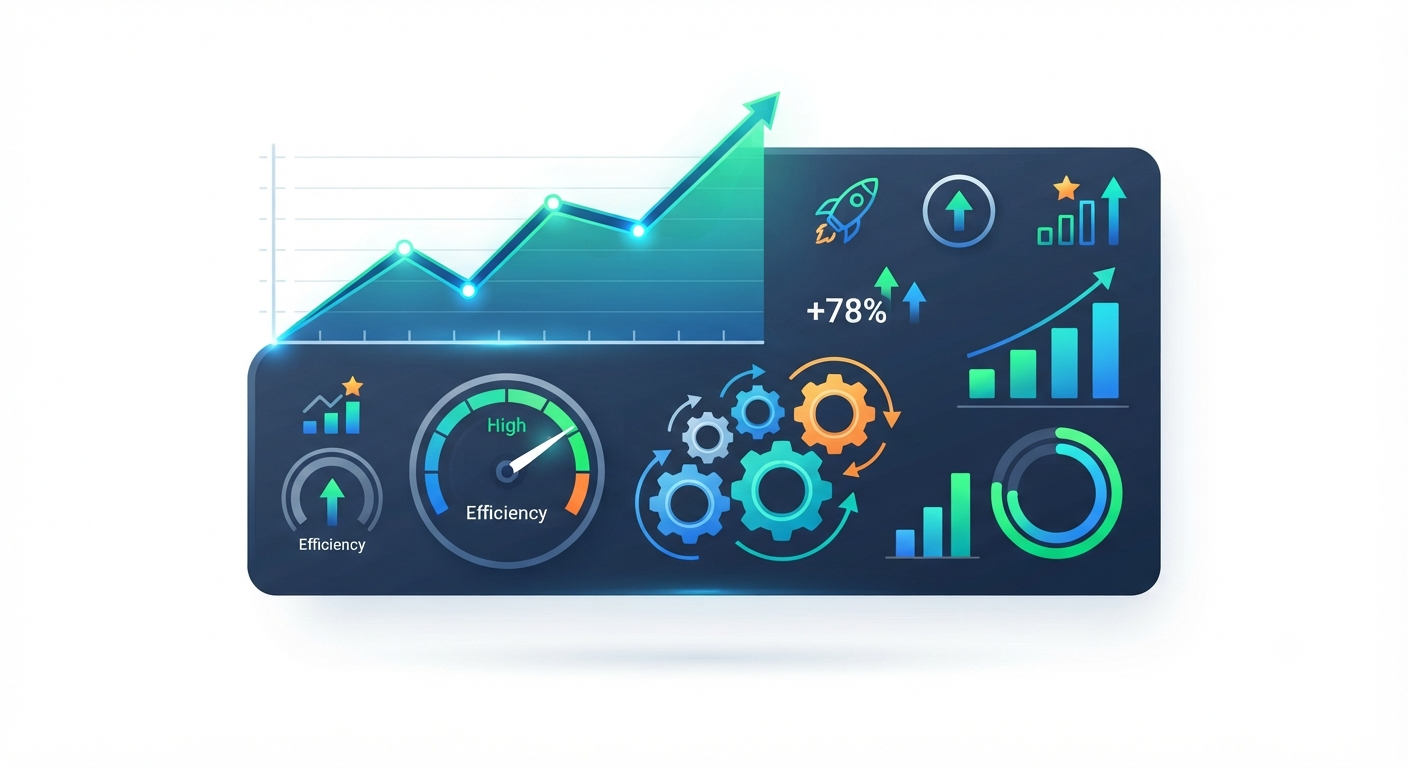
- Efficiency: You can manage a list of 10,000 subscribers with the same effort it takes to manage 100.

4. Key Features and Concepts
To succeed, you should understand these core automation concepts:
- Triggers: The specific action that starts the automation (e.g., “User joins the newsletter” or “User clicks a link”).
- Workflows: The visual “map” of your automation, showing the path a subscriber takes through your sequence.
- Segmentation: Grouping your subscribers based on their interests or behavior so you don’t send irrelevant emails to the wrong people.
- Personalization: Using dynamic fields (like names or company titles) to make automated emails feel human.
5. Step-by-Step Guide
- Map Your Journey: Start with a simple “Welcome” series. What should a new subscriber know first?
- Choose Your Trigger: Set your automation to begin the moment someone submits your lead generation form.
- Draft Your Content: Write 3–5 emails that provide value, solve common problems, and introduce your offerings.
- Set Time Delays: Don’t bombard the user. Space emails out (e.g., Day 0, Day 2, Day 5) to keep the flow natural.
- Test and Refine: Always send a test email to yourself to ensure links work and formatting looks professional across devices.
6. Best Tools and Options
Selecting the right platform is the most critical technical decision you will make.
- Entry-Level Platforms: Tools like MailerLite or ConvertKit are excellent for those just starting. They offer intuitive “drag-and-drop” visual workflow builders.
- Managing Your Funnel: If you need to keep your lead flow organized and handle client interactions alongside your email strategy, a tool like Lead Hero offers a professional-grade way to structure these workflows. It helps bridge the gap between simple list building and advanced nurturing, ensuring nothing falls through the cracks.
- Integration: Ensure your email provider integrates seamlessly with your landing page or website platform.
Disclaimer: Automation is a tool for efficiency, not a replacement for human connection. Always review your content regularly to ensure it still sounds like you.
7. Comparison: Manual vs. Automated Marketing
| Feature | Manual Sending | Automated Marketing |
| Effort | High (Every email is manual) | Low (Set once, runs forever) |
| Timing | Subjective | Precise (Trigger-based) |
| Scaling | Hard to scale | Scales infinitely |
| Personalization | Easy to humanize | Requires smart setup |
8. Common Mistakes to Avoid
- The “Set and Forget” Trap: Automation needs a check-up. Ensure your links aren’t broken and your offers are still current every quarter.
- Overwhelming the Inbox: Start with shorter, value-driven sequences. If you send too many emails too quickly, you will trigger high unsubscribe rates.
- Neglecting the Welcome Email: This is your highest-open-rate email. It must deliver exactly what was promised when the user signed up.
- Ignoring Segmentation: Sending the same message to everyone is a recipe for low engagement. Try to separate your leads by interest.

9. Tips and Best Practices
- Write Like a Human: Even though it is automated, use a conversational tone. Avoid overly corporate jargon.
- Optimize for Mobile: Most people read emails on their phones. Keep paragraphs short and use buttons instead of long text links.
- Clear Subject Lines: Your subject line is the gatekeeper. Keep it intriguing, honest, and relevant to the email content.
- Provide an Easy Out: Always include a clearly visible unsubscribe link. It is better to have an engaged, smaller list than a large, disinterested one.
10. Conclusion
Mastering email marketing automation for beginners is not about removing the “human” element from your business; it is about scaling your ability to connect. By setting up smart, value-driven workflows supported by reliable tools like Lead Hero you create a digital ecosystem that works for you 24/7. Focus on providing value in every single message, and your subscribers will reward you with their trust and long-term engagement.
FAQ Section
Q: Is automation expensive to set up?
A: Not at all. Many platforms offer free tiers that include robust automation features for beginners.
Q: Do I need to be tech-savvy to use automation?
A: Modern platforms use “drag-and-drop” builders that require zero coding knowledge.
Q: How do I know if my automation is working?
A: Monitor your “Open Rate” and “Click-Through Rate.” If these numbers are low, your content or your subject lines likely need refinement.