1. Introduction
The e-learning industry is booming, offering experts and creators unprecedented opportunities to monetize their knowledge. However, the technical barrier often keeps talented instructors from launching their first product. Knowing how to sell digital courses using FunnelCockpit membership software is the key to bypassing these hurdles, allowing you to focus on content creation rather than complex coding or platform maintenance.
By centralizing your sales funnels, email automation, and student portal under one roof, you create a frictionless experience for your customers. In this guide, we will break down the essential steps to setting up a professional course environment that protects your content while maximizing your revenue potential.
2. What Is FunnelCockpit Membership Software?
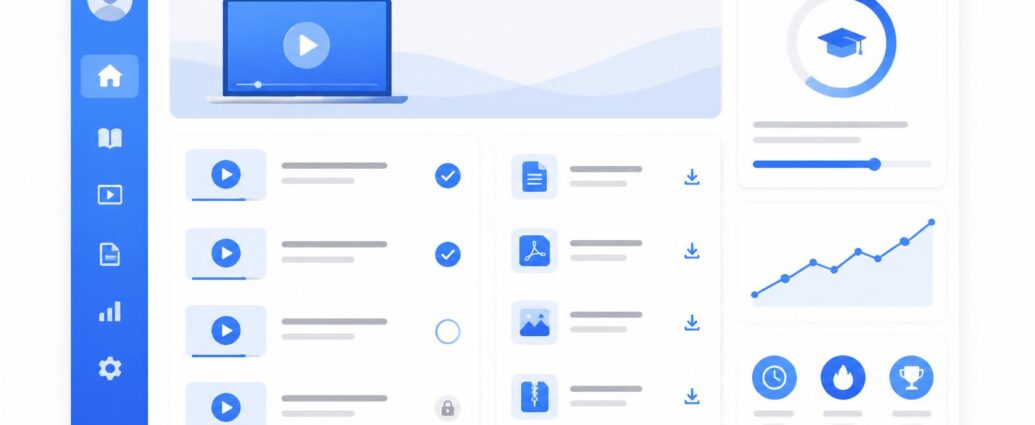
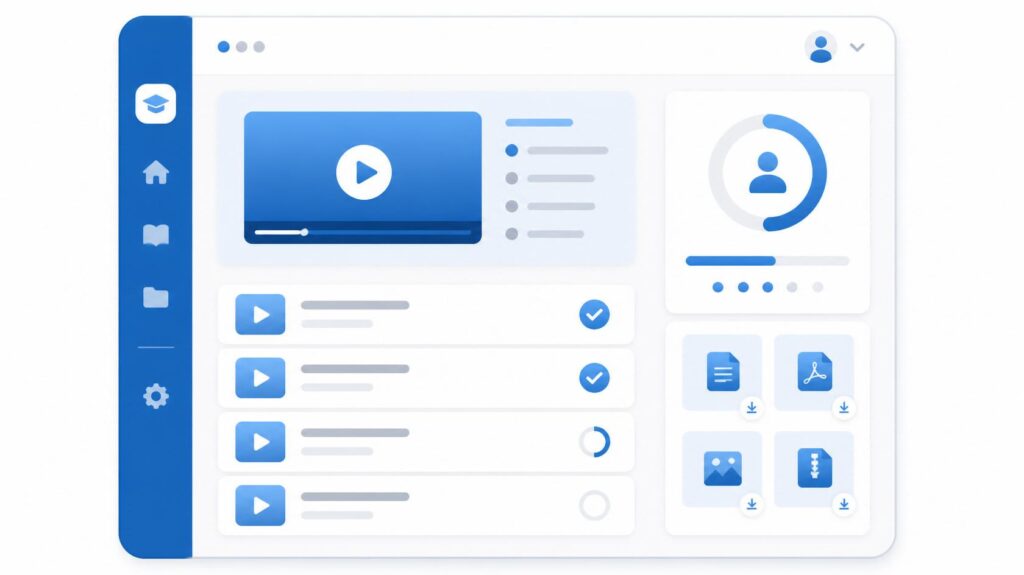
When we discuss how to sell digital courses using FunnelCockpit membership software, we are looking at a unified solution designed for creators. At its core, this software provides a secure, password-protected area where you can upload your training videos, downloadable PDFs, and modular course lessons.
Unlike traditional website builders that require endless plugins to manage user logins, this membership software integrates directly with your payment gateways and automated email systems. It is essentially an “all-in-one” hub that takes a visitor from being a curious lead to an enrolled, active student, all within a streamlined digital workspace.
3. Why It Is Important
The success of an online course depends heavily on the user experience (UX) from the moment of purchase.
- Security for Your Content: A dedicated member area ensures that only paying students can access your premium training, protecting your intellectual property.
- Unified Client Journey: Because the membership area is connected to your sales funnel, students get instant access to their content immediately upon payment confirmation.
- Professional Branding: You can customize the look and feel of your lessons to match your specific brand identity, building trust with your students.
- Simplified Tech Stack: Eliminating the need to bridge third-party platforms reduces technical downtime and keeps your business costs predictable.
4. Key Features and Concepts
- Drip Content Scheduling: You can release modules sequentially over time, keeping your students engaged and preventing them from feeling overwhelmed.
- Custom Login Portals: Create professional, branded login pages that welcome students back to their learning environment.
- Integrated Progress Tracking: Allow your students to track their progress through your modules, which encourages completion rates.
- Multi-Level Access: Easily create different tiers of membership for example, a “Basic” course tier and a “VIP” coaching tier with extra resources.
5. Step-by-Step Guide: Launching Your Course
- Structure Your Curriculum: Before logging into the software, outline your modules and lessons in a document. A logical flow is essential for student success.
- Configure Your Member Area: In your dashboard, create a new Member Area. Set up the branding colors, logos, and fonts that reflect your professional style.
- Upload Content: Populate your lessons with your pre-recorded videos, workbooks, and resource links. Ensure your video hosting is optimized for speed.
- Set Up Access Levels: Define which lessons are available immediately and which are “dripped” to students over the following weeks.
- Connect Your Sales Funnel: Link your checkout page directly to the membership registration. Once a purchase is made, the platform automatically generates the user’s account credentials.
- Test the Enrollment Process: Always sign up as a customer to ensure the email delivery of login details and the lesson access permissions are functioning perfectly.
6. Best Tools and Options
The market is filled with various platforms, but the most efficient way to manage a course business is through integrated suites. By avoiding “plugin-heavy” setups, you minimize the risk of your membership portal crashing during a launch. For those looking for a stable, high-performance environment, click here to explore FunnelCockpit as an all-in-one solution that helps you host your courses, manage your leads, and handle your student communications simultaneously.
7. Comparison: Hosted Portals vs. Self-Managed Membership Sites
| Feature | Integrated Membership Software | Self-Managed (WordPress + Plugins) |
| Setup Time | Fast (Hours) | Slow (Weeks) |
| Maintenance | Low (Automatic updates) | High (Manual security/plugin updates) |
| Security | High (Built-in) | Variable (Depends on your security setup) |
| Ease of Use | Beginner-Friendly | Technical Complexity |
8. Common Mistakes to Avoid
- Poor Video Quality: Your students paid for value; ensure your audio is clear and your video is well-lit.
- Overwhelming Content: Too many modules can lead to student drop-offs. Keep lessons concise and actionable.
- Lack of Clear Instructions: Even with an intuitive platform, provide a “Start Here” lesson that explains how to navigate the portal.
9. Tips and Best Practices
- Create Community: If possible, include a forum or a link to a private group so students can interact and share successes.
- Collect Feedback: Add a simple feedback form at the end of your course to learn what your students enjoyed and where you can improve.
- Focus on Results: Always frame your course content around the transformation your students will achieve by the end of the program.
10. Conclusion
Mastering how to sell digital courses using FunnelCockpit membership software is an empowering step toward building a scalable online business. By providing a secure, professional, and easy-to-use portal for your students, you increase the likelihood of course completion and positive referrals. Focus on your expertise, trust your tools to handle the heavy lifting, and start sharing your knowledge with the world.
If you are focusing specifically on the coaching side of your business, check out my guide on how to use FunnelCockpit for online coaches to automate your coaching business to streamline your entire practice.
FAQ
Q: Do I need separate hosting for my course videos?
A: Most advanced membership platforms provide integrated video hosting or allow for easy embedding from professional services, keeping your pages loading fast.
Q: Can I restrict access to specific lessons?
A: Yes, using “drip content” or “access levels,” you can easily control exactly when and which parts of your course a student can see.
Q: Is it easy to update course materials later?
A: Absolutely. You can add new lessons or update existing content within your member area at any time, and the changes will reflect instantly for your students.