In the fast-paced world of digital business, time is your most valuable asset. If you are still manually sending emails to every new subscriber, you are leaving growth on the table and burning out in the process. Email marketing automation is the bridge between chaotic manual outreach and a streamlined, professional communication system that works for you 24/7.
Whether you are a solopreneur managing a personal brand or a growing business owner, understanding how to automate your email processes is no longer optional it is a competitive necessity. By setting up intelligent workflows, you can deliver the right message to the right person at exactly the right time, fostering deeper connections with your audience without having to hit “send” on every individual note.
If you want to achieve professional results, mastering email marketing automation is the most effective way to save time. Without email marketing automation, you are manually handling tasks that software could be doing for you while you sleep.
Table of Contents
What is Email Marketing Automation?
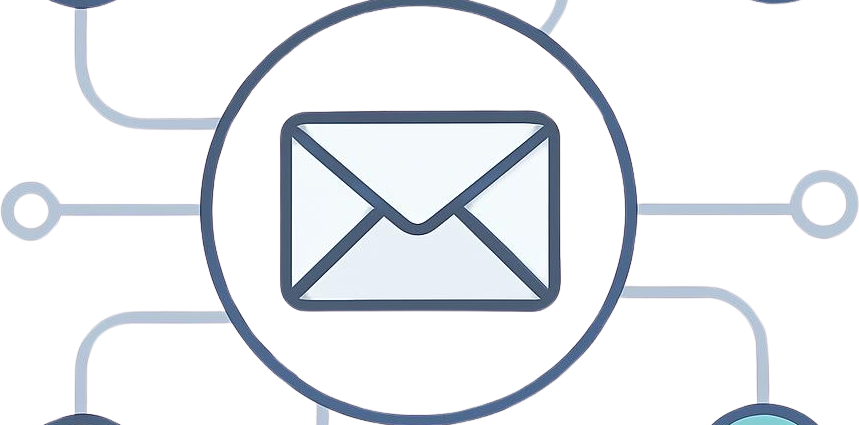
At its core, email marketing automation refers to the use of software to send predefined, triggered emails to your subscribers based on specific actions they take or characteristics they possess.
Think of it as a digital assistant that never sleeps. Instead of emailing your entire list at once with a generic message, automation allows you to create “drip campaigns” or “workflows.” For instance, when someone joins your newsletter, the system automatically sends them a welcome series. If they click a link about “Affiliate Marketing,” the system tags them as interested in that topic and triggers future content related to that specific subject.
It transforms email marketing from a broadcast-style megaphone into a personalized, one-on-one conversation at scale.

Why Email Marketing Automation is Important
Businesses that adopt email marketing automation typically see higher conversion rates because they are not sending mass emails, but personalized messages triggered by user behavior.
The primary benefit of moving to an automated system is relevance. When content is relevant, engagement increases. Here is why businesses are shifting to automated workflows:
- Consistency: Your audience receives a steady stream of valuable content, which keeps your brand top-of-mind.
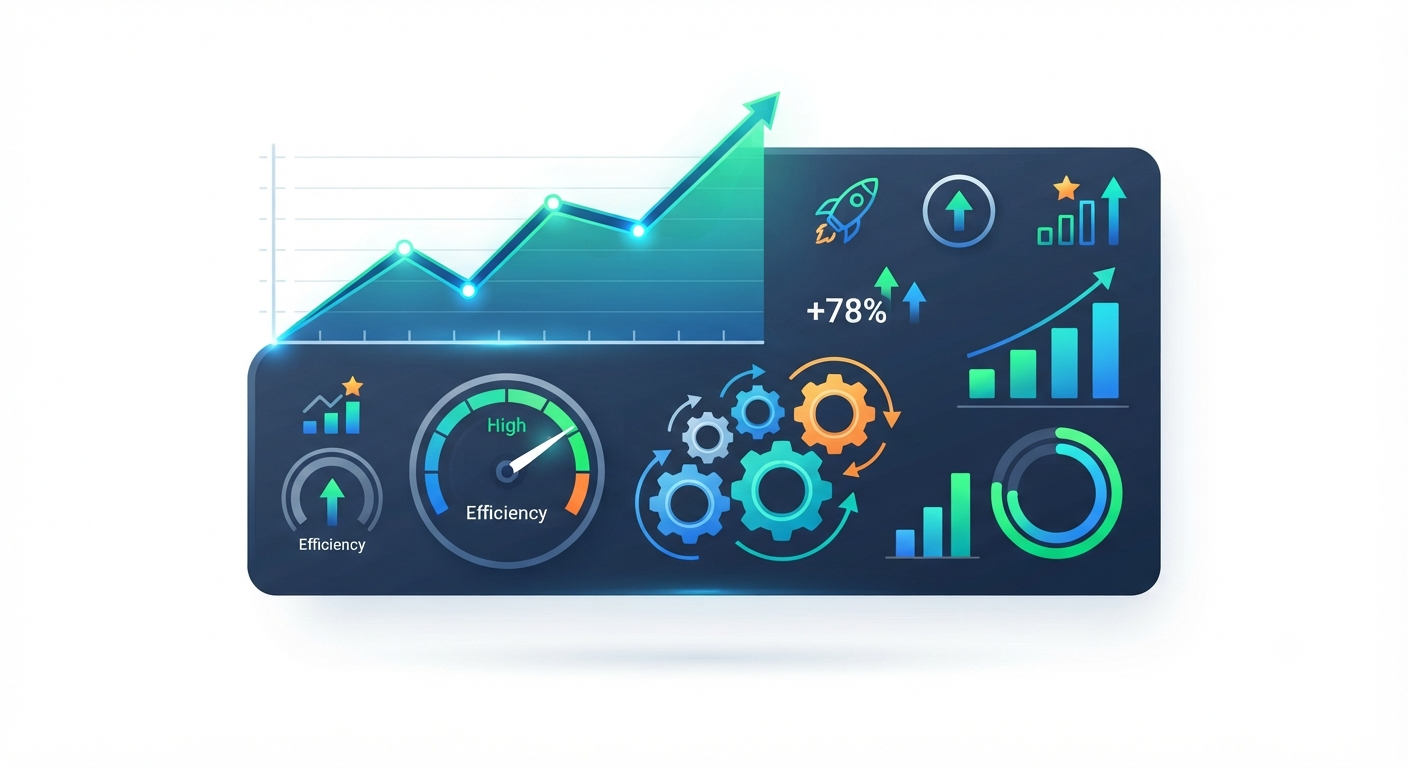
- Time Efficiency: You design the workflow once, and it serves thousands of subscribers without further input.
- Scalability: Whether you have ten subscribers or ten thousand, the system handles the workload with equal precision.
- Behavioral Targeting: You can segment your audience based on their interests, meaning subscribers only receive content they actually care about, which significantly reduces unsubscribe rates.
Key Features and Concepts
To build an effective automated ecosystem, you need to understand a few foundational concepts:
1. Triggers
Whether you are new to the concept or looking to refine your current setup, email marketing automation platforms offer powerful tools to help you grow. By leveraging the right features, you can ensure your brand stays consistent and relevant to every subscriber.
A trigger is the “event” that starts the chain reaction. Common triggers include:
- Subscribing to a newsletter.
- Purchasing a product.
- Abandoning a shopping cart.
- Clicking a specific link in a previous email.
2. Segmentation
Segmentation is the process of dividing your email list into smaller groups based on criteria like demographics, purchase history, or engagement level. Automation platforms use tags to categorize users, ensuring that a beginner doesn’t receive advanced technical tutorials and vice versa.
3. Workflows (Customer Journeys)
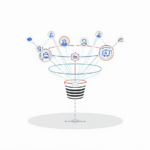
A workflow is a visual map of the email series. It defines the “if-this-then-that” logic. For example: If the user opens the email, then send them a follow-up in two days. If they don’t open it, then resend with a different subject line.
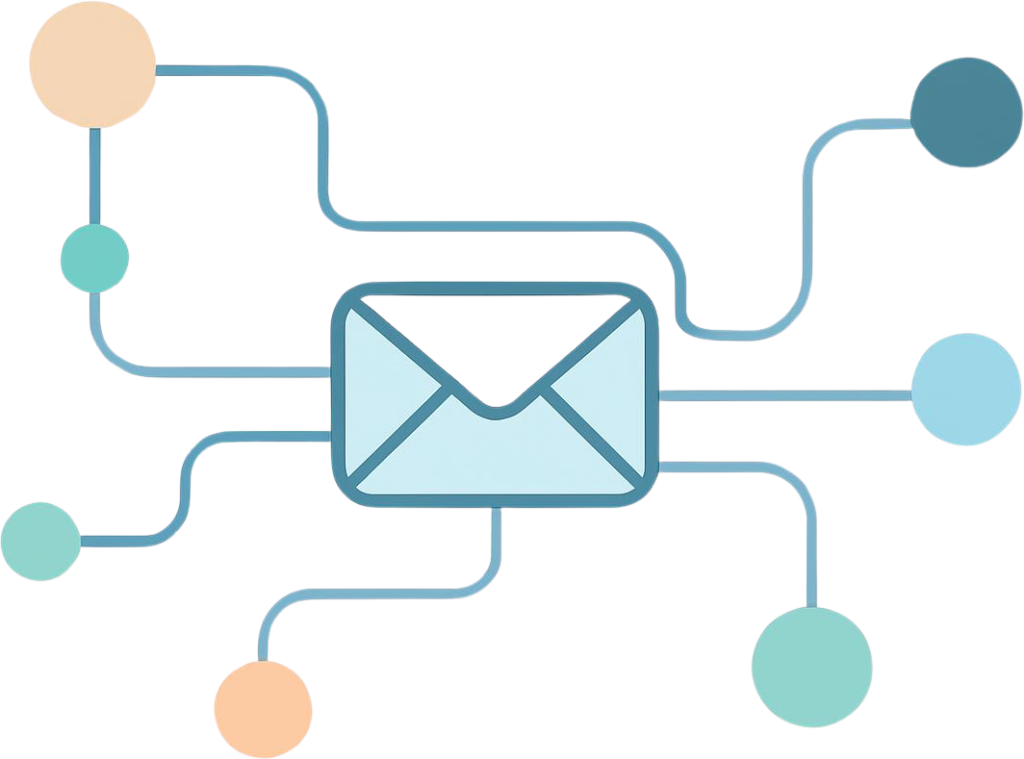
Automating your email marketing saves time and improves engagement rates for your business.Step-by-Step Guide: Setting Up Your First Workflow
Getting started can feel daunting, but it follows a logical path. Follow these steps to set up your first automated sequence.
Step 1: Define Your Goal
What do you want this automation to achieve? Common goals include welcoming new subscribers, nurturing leads toward a purchase, or onboarding new users to a service.
Step 2: Choose Your Platform
Select an email marketing tool that offers robust automation features. Look for user-friendly visual builders that allow you to see your workflow paths clearly. There are many platforms available, but for beginners, complexity often leads to burnout. If you want a streamlined system that handles your lead generation and email workflows without the technical headache, I highly recommend checking out Lead Hero. It’s designed specifically to simplify the process so you can focus on your business rather than fighting with software.
Step 3: Create Your Lead Magnet
Before you can automate, you need people to automate for. Since your lead magnet is the entry point, it’s vital to have a page that actually converts. If you’re unsure how to set this up, read our guide on what makes a high-converting landing page to ensure your visitors turn into leads. Offer a free resource like a checklist, template, or guide in exchange for an email address. This is the entry point for your automated journey. Once you have your lead magnet ready, you need a way to deliver it automatically. This is where a dedicated system like Lead Hero becomes essential. It captures your leads, sends your magnet, and follows up with your new subscribers on autopilot, saving you hours of manual work every single week.
Step 4: Write Your Email Sequence
Draft your emails in advance. A standard welcome sequence usually involves:
- Email 1: Immediate delivery of the free resource + a warm welcome.
- Email 2: Providing extra value or tips related to the resource.
- Email 3: Introducing your primary product or service as a solution to their problem.
Step 5: Test and Activate
Before turning it live, subscribe to your own list using a test email address. Verify that every trigger works and that links are correct. Once verified, flip the switch.

Best Tools and Options
The market is saturated with platforms, but for those focusing on efficiency and ease of use, a few stand out. When selecting a tool, consider your technical skill level and budget.
- All-in-One Platforms: These are excellent for those who want a unified experience, combining landing page builders, email marketing, and simple CRM functionality.
- Specialized Email Providers: These focus specifically on deliverability and complex automation sequences, often integrating well with other business tools via API.
- Budget-Friendly Options: Many modern providers offer “free tiers” that allow you to start your automation journey with zero upfront cost, scaling your plan only as your list grows.
Note: Always review the feature sets of any software to ensure it supports the level of behavioral tagging you require for your business model.
Common Mistakes to Avoid
Even with the best tools, it is easy to stumble. Avoid these common pitfalls to maintain a healthy sender reputation:
- Over-Automation: Just because you can automate every interaction doesn’t mean you should. Don’t bombard subscribers with daily emails if it doesn’t provide consistent value.
- Neglecting Personalization: Automation shouldn’t feel robotic. Use merge tags (like first names) and keep your voice authentic and human.
- Ignoring List Hygiene: Regularly remove inactive subscribers. A smaller, engaged list is significantly better than a massive, disinterested one.
- Lack of Testing: Never assume a workflow works. A/B test your subject lines and call-to-action buttons to see what truly resonates with your audience.
Tips and Best Practices
To ensure long-term success with your email strategy:
- Focus on Value: Every automated email should either educate, inspire, or solve a problem. If the email is purely a sales pitch, your engagement will drop.
- Optimize for Mobile: More than 50% of emails are opened on mobile devices. Keep your design clean, fonts large, and buttons easy to tap.
- Clear Call to Action (CTA): Each email should have one primary objective. Don’t confuse the reader with five different links; guide them to the next logical step.
- Monitor Analytics: Pay attention to open rates and click-through rates. These metrics tell you exactly what is working and what needs adjustment.
To stay updated with the latest trends and benchmarks in the industry, you can refer to HubSpot’s comprehensive Email Marketing Guide which provides deeper insights into audience engagement.
Conclusion
Email marketing automation is a powerful asset for any digital strategy. It allows you to build deeper relationships, manage your audience professionally, and reclaim your time. By focusing on providing genuine value at every stage of the subscriber’s journey, you transform your email list into a sustainable engine for growth.
Start small. Build one effective welcome series, monitor its performance, and iterate. As you become more comfortable, you can build more complex journeys that cater to your audience’s unique behaviors. With patience and a focus on your subscribers’ needs, you will find that automation isn’t just about efficiency it’s about creating a better experience for everyone involved.
Automation isn’t meant to replace your personal touch it’s meant to give you more time to build real relationships. If you’re ready to set up a professional system that works 24/7, I suggest starting your journey with Lead Hero. It’s a reliable way to scale your reach effectively and consistently.
FAQ Section
Q: Is email automation expensive?
A: Not necessarily. Many platforms offer free plans for beginners. As your list grows, costs increase, but this is usually balanced by the increased revenue generated from the automation.
Q: How many emails should be in a sequence?
A: There is no magic number. A good rule of thumb is a 3–5 email welcome sequence that delivers your promised value before gently transitioning to your offers.
Q: Will automation make my emails feel “spammy”?
A: Only if you use it to spam people. If your content is genuinely helpful and you only email people who have opted in, automation is considered a professional and expected standard in modern business.
Q: Can I automate everything?
A: You can automate the delivery, but you should never automate the relationship. Continue to engage with your audience manually on social media or through replies to your emails to stay connected.